 NFC RIPPER
Two phones.
One flow.
Reader at the terminal — or external chip reader on the phone. Tag emulates the card at POS. Data relayed through your server. Bypass at POS and ATM with multiple methods; dashboard, devices, cards, sessions, full control. A complete, reliable solution for research and testing.
Relay · Reader or External (chip) · Bypass POS & ATM · Capture · Replay · Clone · Dashboard · Devices · Cards
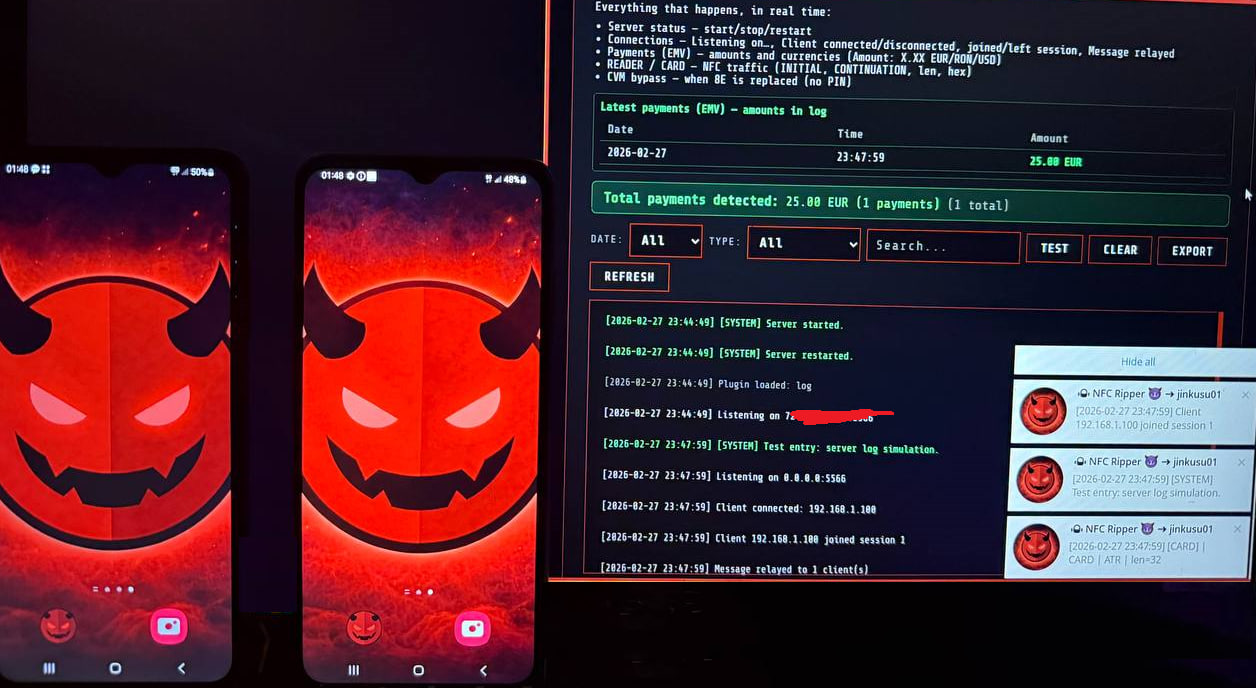
See it in action
Two ways to run the relay
Classic: card on phone NFC. Or with an external chip reader: card in the reader, reader connected to the phone. Both flows go through your server to the Tag at POS.
Classic flow
Card is read by the phone’s NFC (Reader phone at terminal). Data is sent to the server, then to the Tag phone that emulates the card at POS.
External / chip reader flow
Connect a CCID card reader (e.g. ACR1552U, compatible USB-C readers) to the phone. Insert the card in the reader; the app reads it and relays to the Tag at POS. Same bypass and dashboard — works with payment cards read by chip or contactless.
Payment at POS – end to end
Card → Reader (or External reader) → Server → Tag → Bypass → Payment OK.
Communication mechanism
- 1. Card is read via NFC by Reader (phone at terminal).
- 2. Reader sends EMV/APDU data to your server (TCP, optional TLS).
- 3. Server relays to Tag app.
- 4. Tag phone emulates the card.
- 5. Bypass PIN: CVM bypass (no PIN, 8E, etc.) so terminal may not ask for PIN.
- 6. At POS → Payment OK (90 00). Dashboard records session and amounts.
Withdrawal at ATM – end to end
Same relay: Card → Reader (at ATM) → Server → Tag → Bypass → Transaction OK. App supports ATM-specific bypass methods.
ATM flow – same mechanism
- 1. Card is read via NFC by Reader (phone at ATM).
- 2. Reader sends EMV/APDU data to your server.
- 3. Server relays to Tag app.
- 4. Tag phone emulates the card at the ATM slot.
- 5. Bypass PIN: ATM-specific methods in the app so ATM may not ask for PIN.
- 6. At ATM → Transaction OK (90 00). Dashboard records session.
How the app looks
Access control, menu, Home dashboard, Relay mode (Reader · External · Tag), External Reader setup, About. All in one place — clear and easy to use.
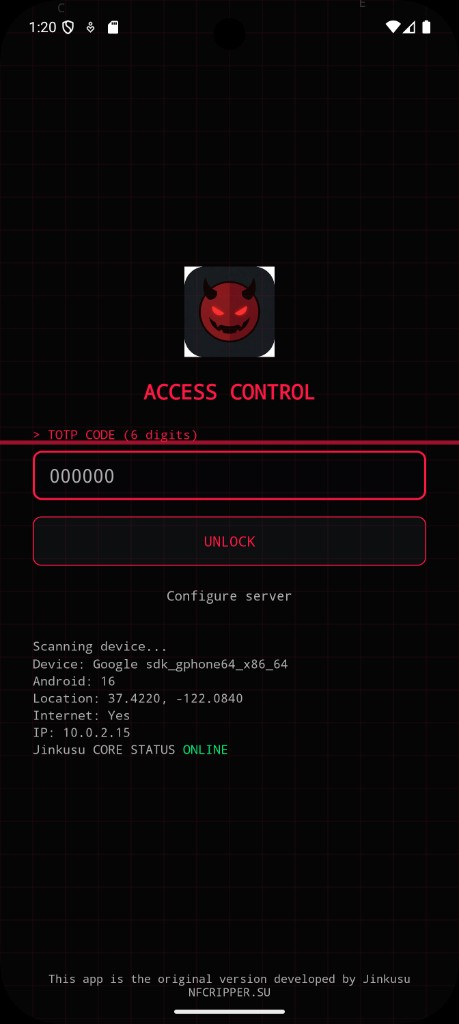
Access control · TOTP unlock
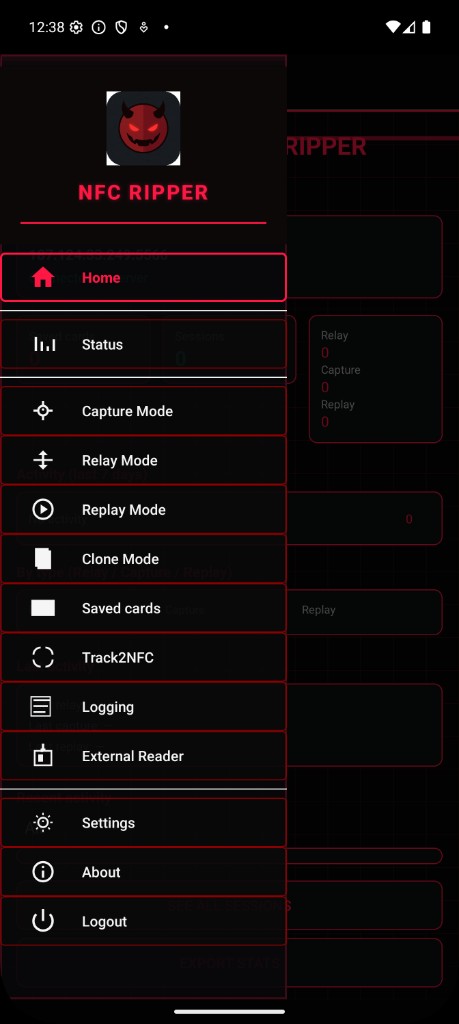
Menu · All modes including Track2NFC
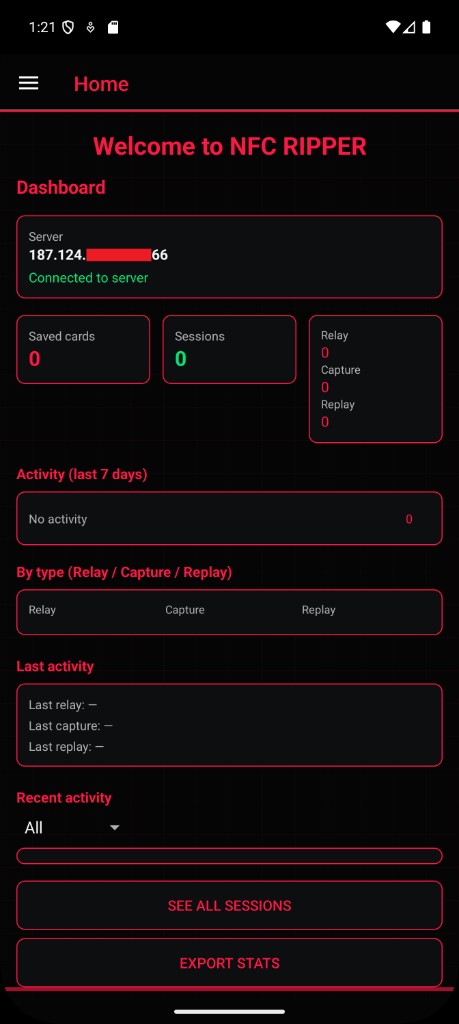
Home · Dashboard
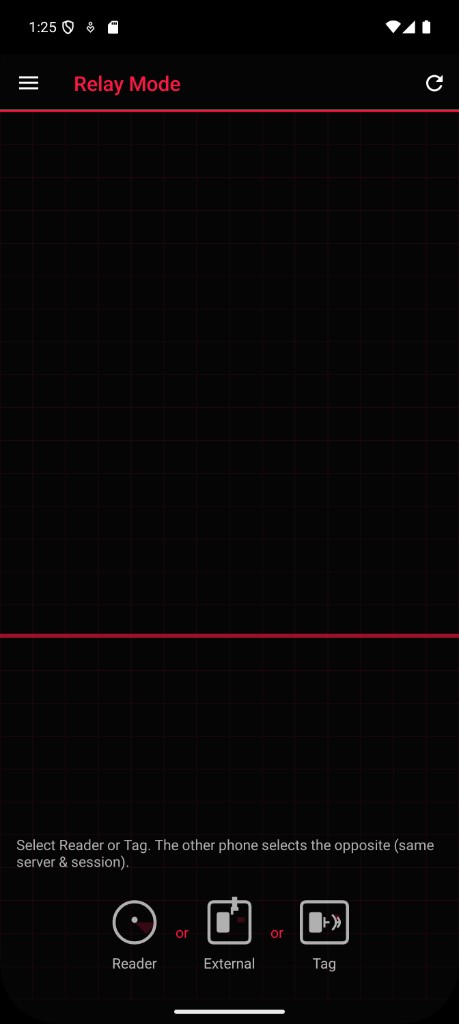
Relay · Reader / External / Tag
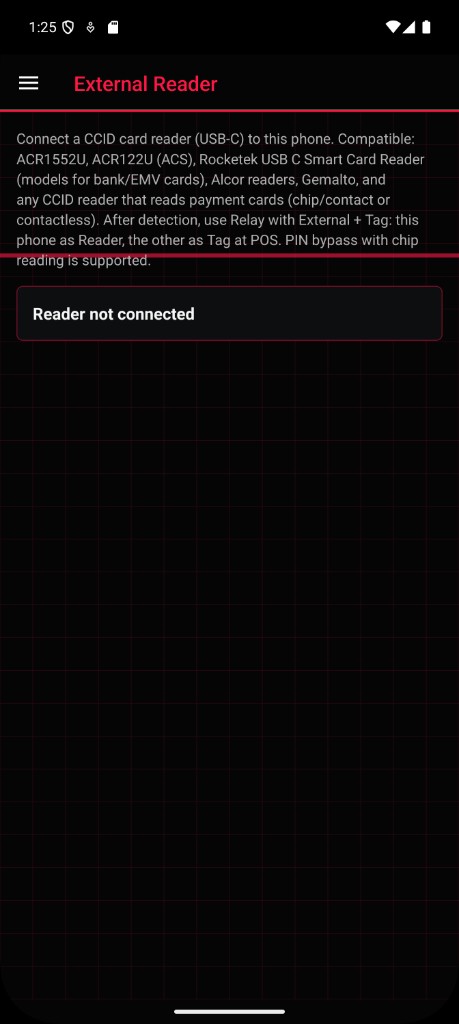
External Reader · Chip reader
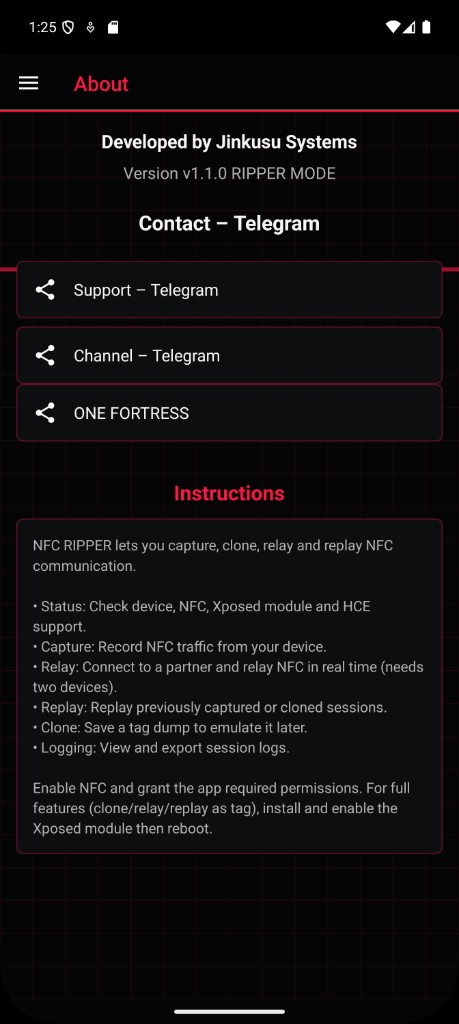
About · Features
Track2NFC – Pay contactless with Track 2
Add Track 2 data in the app and use your phone to pay contactless where terminals accept Visa MSD. No relay needed: one phone, one flow. Set the app as default payment app in NFC settings, then tap at the terminal.
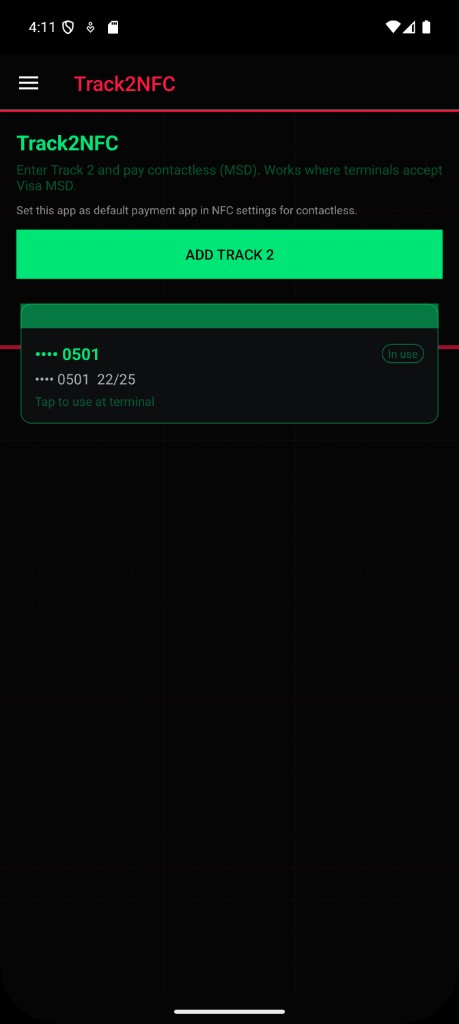
Track2NFC · Add Track 2, select card, tap at terminal
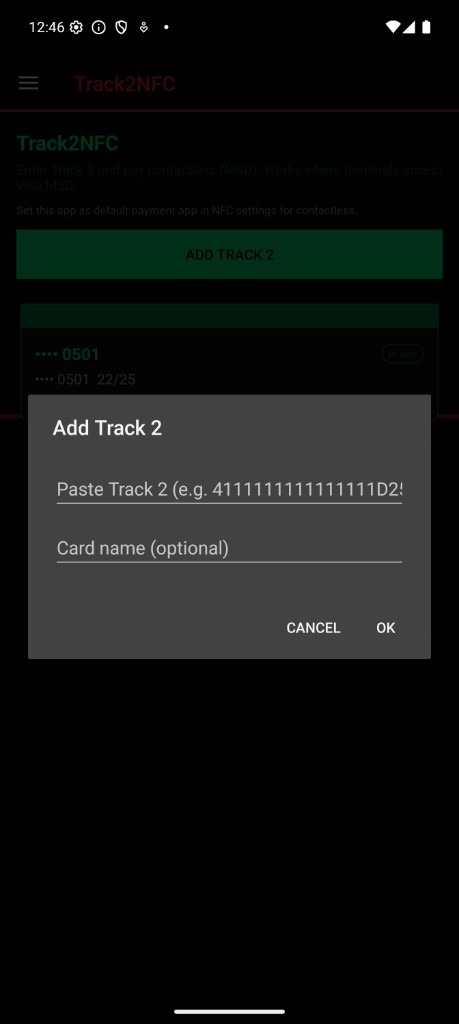
Add Track 2 dialog · Card list with "In use"
Track2NFC in 3 steps
Simulation
What to do and how to use Track2NFC
- Add Track 2 — In the app, open Track2NFC from the menu, tap "Add Track 2", paste the Track 2 line (e.g. from a dump). Use
D,;or=as separator. Optionally add a nickname. - Select the card — Tap a card in the list to set it as "In use". Only one card is active for contactless at a time.
- Set default payment app — In the phone's NFC settings (Tap and pay / Contactless payments), set NFC RIPPER as the default payment app. Otherwise the terminal may not use this app. In the app you can tap "How to use Track2NFC" then "Open NFC payment settings" to jump there.
- Pay at terminal — Hold the phone to the POS when asked. Works where terminals accept Visa MSD (magnetic stripe data).
No conflicts: Track2NFC is disabled automatically when Relay, Replay or Clone mode is on, so you can use the other features without collision.
External card readers
Connect a CCID reader (USB or USB-C) to your phone. Compatible with ACS readers and other CCID models for chip or contactless payment cards.
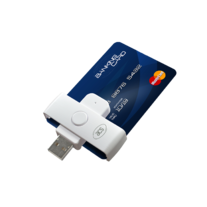
Chip reader · card inserted (ACS-type USB reader)
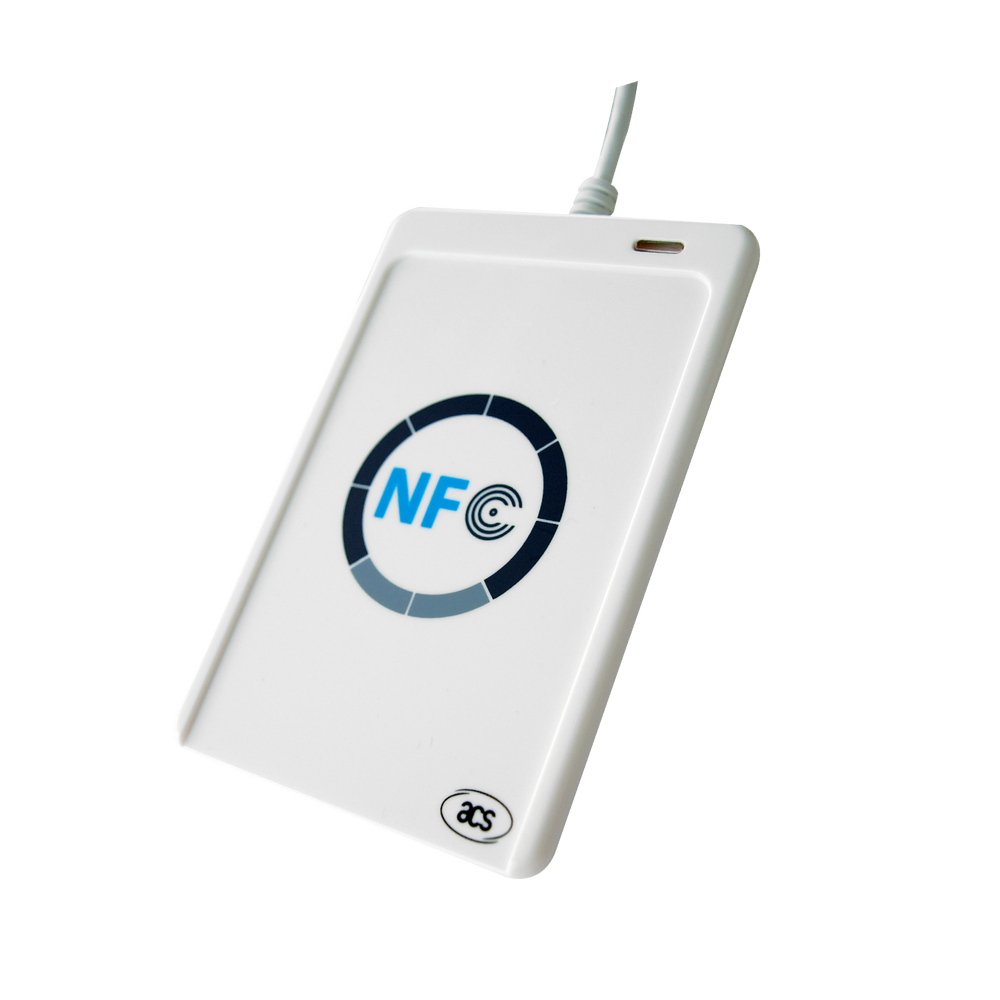
ACR1552U · NFC / contactless reader (ACS)
Dashboard (server)
Devices, Log & payments, Sessions, Cards, Blacklist/Whitelist, Language, Notification Telegram. Admin panel screens.
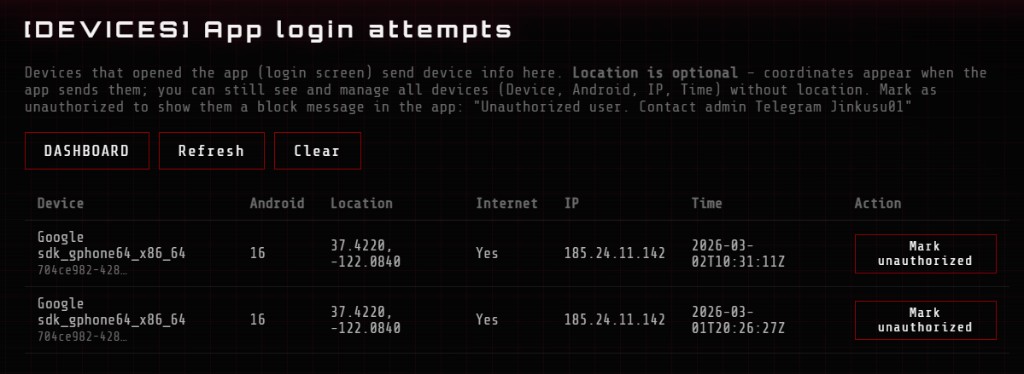
Devices – App login attempts, mark unauthorized
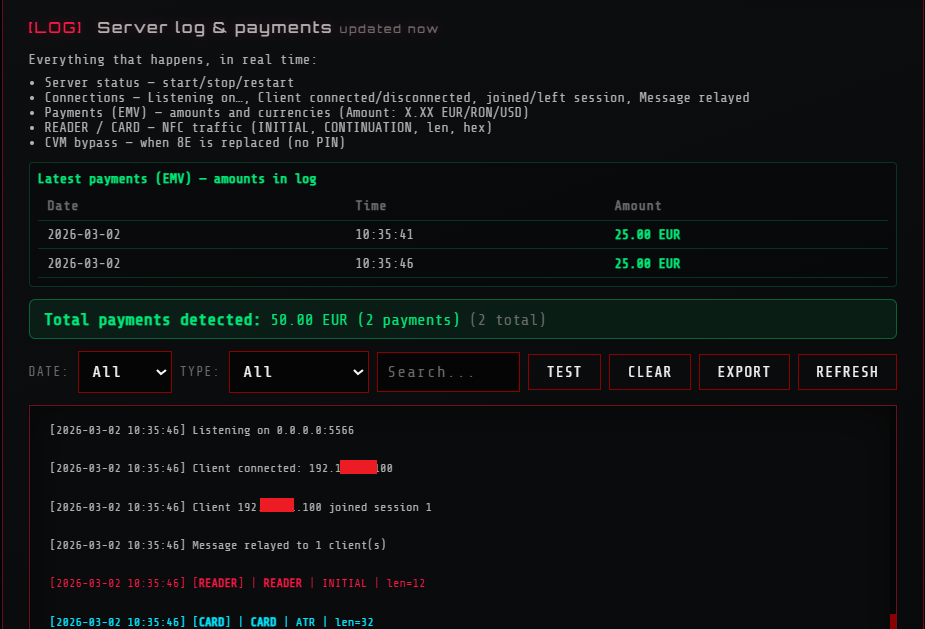
Log & payments · EMV amounts, CVM bypass
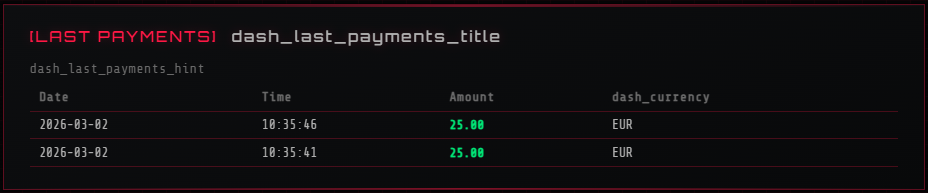
Last payments (EMV)
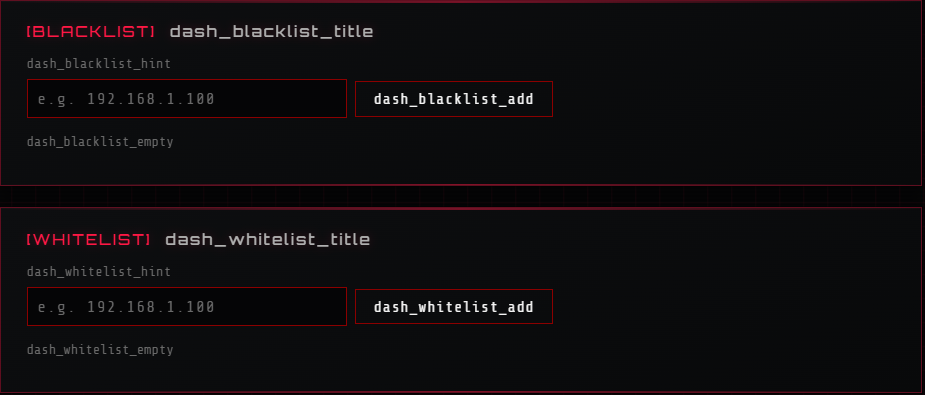
Blacklist & Whitelist IP
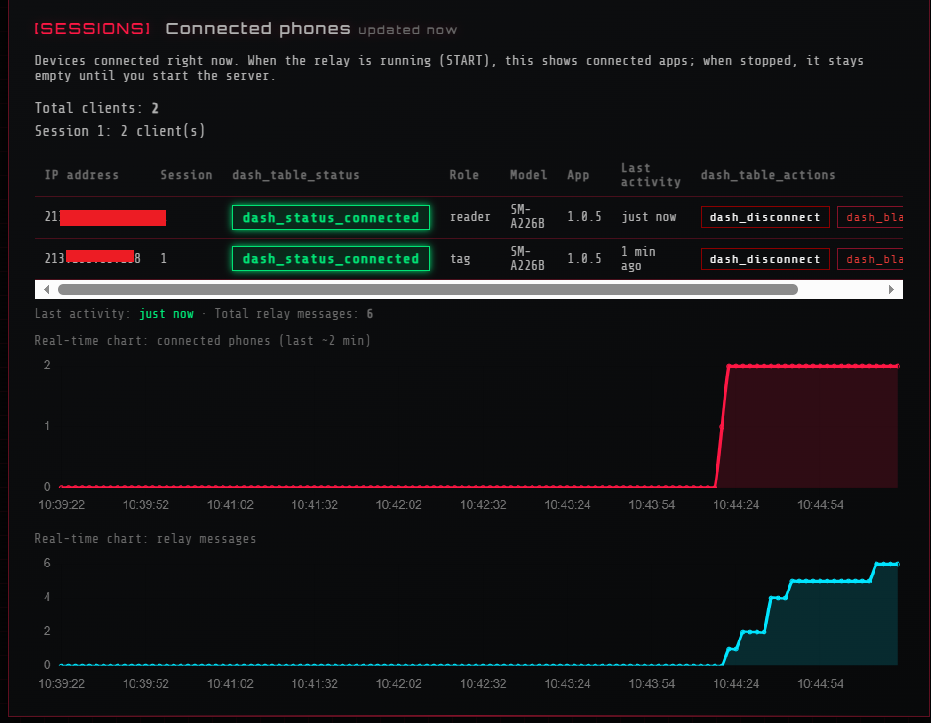
Sessions · Real-time charts
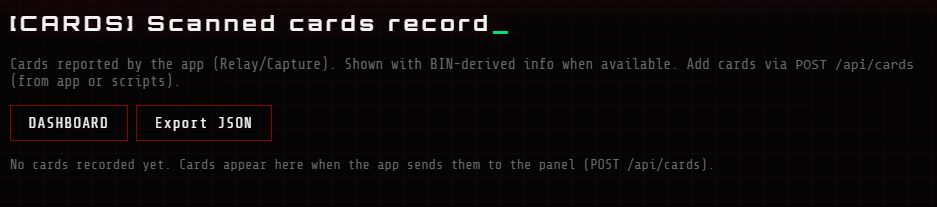
Cards · Scanned cards record
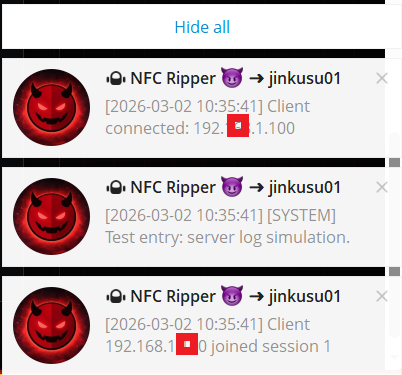
Notifications · Server log & Telegram
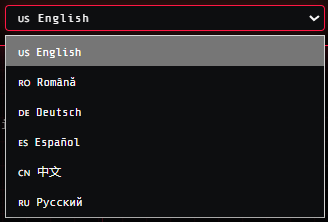
Language selection
What you get
Reader + Tag over network
One phone as reader at the terminal (NFC or external chip reader), the other as tag. Traffic relayed through your server; terminal sees a real card. Two modes: classic NFC tap or card in USB CCID reader.
Chip reader support
Connect compatible CCID readers (e.g. ACR1552U, ACR122U, Rocketek USB-C for bank/EMV cards) to the phone. Read the card by chip or contactless; same relay and bypass. Dedicated menu and status.
Bypass at POS & ATM
Multiple bypass methods in the app. No PIN, signature, combined options, and methods tuned for chip-reader flow. Accept-any-PIN and ATM-specific options. Terminal may not ask for PIN.
Record & replay
Capture NFC sessions, save cards, clone and replay. Export from the app.
Web panel
Start/stop relay, connected phones (SESSIONS), real-time charts, live log. Filter: SYSTEM, EMV payments, READER, CARD, CVM bypass. Latest payment amounts and totals. Devices — app login attempts, mark unauthorized. Blacklist/Whitelist IP. Cards — scanned cards record, BIN-derived info. Bypass events (POS/ATM) in log.
App login attempts
Devices that opened the app send device info. Mark as unauthorized to show block message in the app. Device, Android, IP, location, time.
Scanned cards record
Cards from Relay/Capture with BIN-derived info when available. Add via POST /api/cards. Export JSON from the panel.
IP Blacklist & Whitelist
Block or allow IPs at server level. Add IPs in the dashboard; blacklisted clients cannot connect.
Connected phones & charts
See who is connected (reader/tag, model, app version). Real-time charts: connected phones and relay messages over time. Disconnect from panel.
Rate limit & APIs
Rate limit on login/setup (e.g. 8 attempts per IP per 15 min, anti brute-force). Security headers. GET /api/version, GET /api/health for monitoring.
Full control
Server address, port, plugins (log, cvm_bypass), TLS. Optional Telegram for every log line.
In four steps
Run the relay
Start the server from the web panel (PC or VPS). It listens on a port (e.g. 5566).
Reader phone
In the app: set Host & Port, Session (e.g. 1), Relay ON in reader mode. Connects to the server.
Tag phone
Same Host, Port, Session. Relay ON in tag mode. Pairs with the reader in that session.
Use it
Tap tag phone to card (or reader at POS/ATM). Data flows through the server. CVM bypass works at POS and ATM (no PIN). Dashboard shows devices, sessions, payments, cards, blacklist and log.
Subscription
Test 3 days, monthly plan, or lifetime with hosting. Contact for access.
Test – 3 days
$700 / 3 days
- Full access for 3 days
- App + relay + web panel
- Server hosting included
1 month
$3,000 / month
- Server hosting included
- App + relay + web panel
- Full support
1 year + Host
$15,000 / year
- Full access per year
- Server hosting included
- App + relay + web panel
- Full support
Source code: $30,000 — one-time. No server host included. Contact for details.
Get information or purchase
Contact us on Telegram. We will send you details and the access code.
By using this application for illegal purposes you do so at your own responsibility. We are not liable for any misuse.